
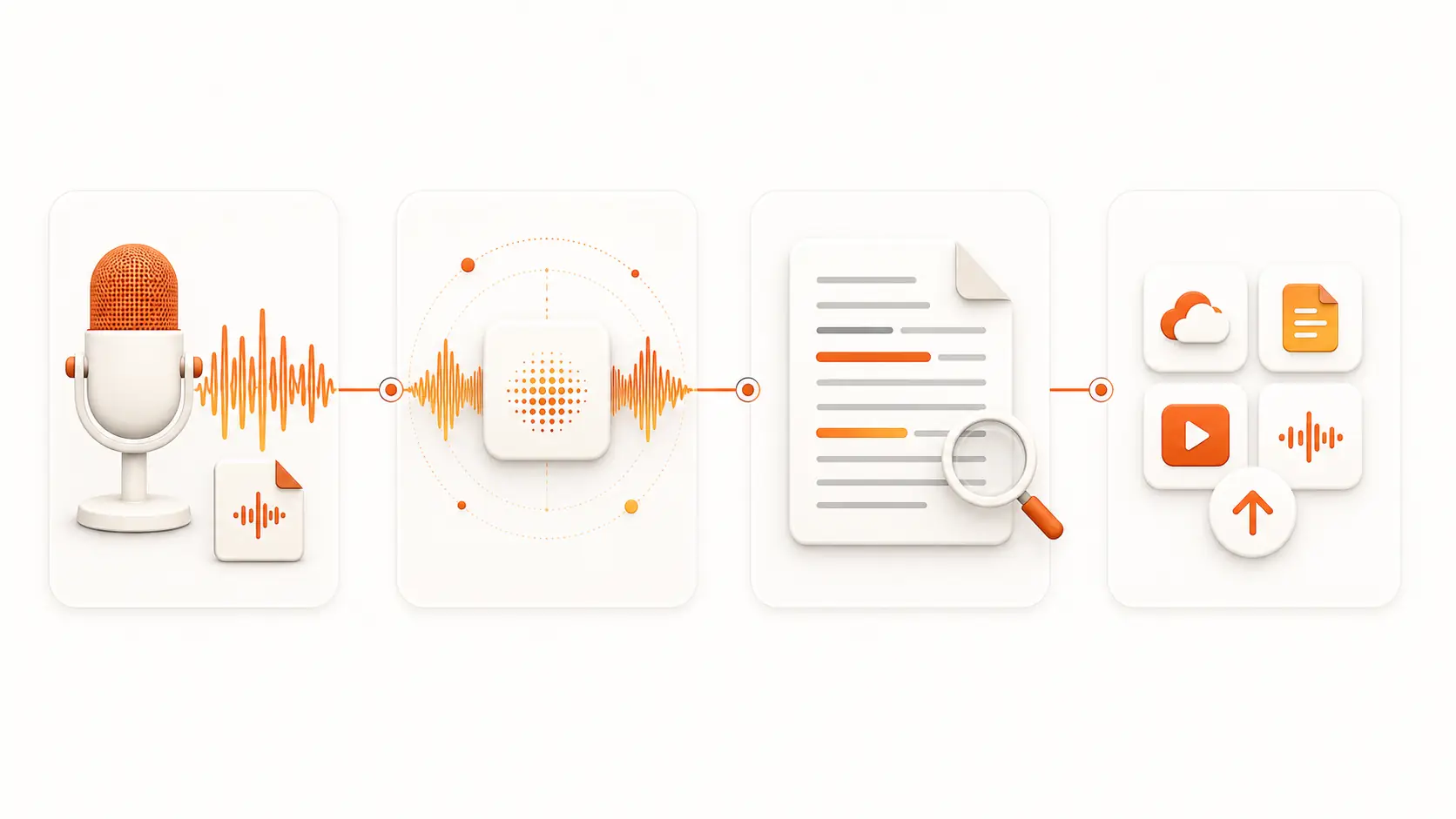
Nothing to Wire Up
No key to provision, no usage dashboard to watch, no upload pipeline to build. Sign in and the first recording is transcribing within seconds — new accounts start with five free minutes.
Searching for gpt-transcribe? That's OpenAI's new transcription model — accurate, cheap, and plain-text only. GPT Transcribe is the browser tool that adds the missing layer: SRT/VTT subtitles, speaker labels, timestamps. Upload audio or video, record live, or paste a link — five free minutes, no API key.
AI speech to text
Audio intake
OpenAI shipped gpt-transcribe on July 28, 2026 as its new recommended speech to text model: $0.0045 per minute, roughly 34× faster than real time on files, and on Common Voice across 22 languages it cuts word error rate from 40.37% with whisper-1 down to 19.27%. Independent testing places it at 3.31% word error rate on Artificial Analysis' benchmark — behind ElevenLabs Scribe v2 at 2.3%, but clearly ahead of its predecessor gpt-4o-transcribe at 4.01%. It takes keyword hints and several language hints at once, which helps with product names and code-switching. What comes back, though, is plain text — the subtitle files, speaker labels and word-level timestamps that real work depends on are not part of it.
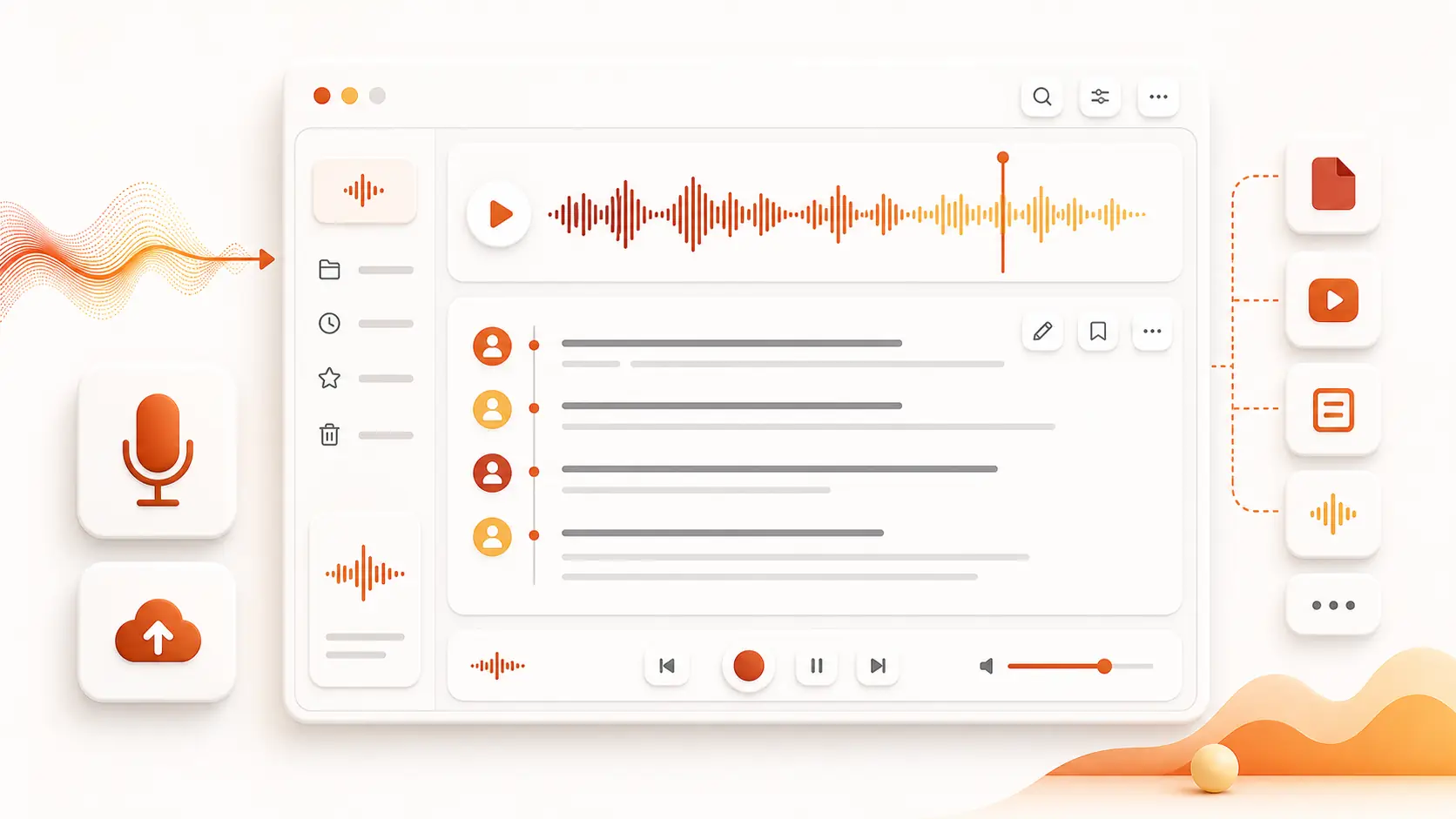
Accuracy on difficult audio, and context you can steer: keyword hints for product names and acronyms, multiple language hints for conversations that switch language mid-sentence. Hints are suggestions rather than instructions — a keyword only reaches the transcript if the audio actually contains it.
No SRT or VTT output, no speaker diarization, no word-level timestamps, no translation endpoint. Those still come from whisper-1 or gpt-4o-transcribe-diarize, which is why a caption or interview workflow cannot run on gpt-transcribe alone.
This site closes that gap in a browser tab. Transcription runs on OpenAI Whisper with diarization, so a one-hour panel comes back split by speaker, timestamped, and ready to export as SRT or VTT — no API key, no integration work, five free minutes to start.
Calling a transcription endpoint yourself means provisioning a key, watching per-minute billing, handling uploads, polling for results, then writing the code that turns a JSON response into a subtitle file. GPT Transcribe is the finished version of that work.
No key to provision, no usage dashboard to watch, no upload pipeline to build. Sign in and the first recording is transcribing within seconds — new accounts start with five free minutes.
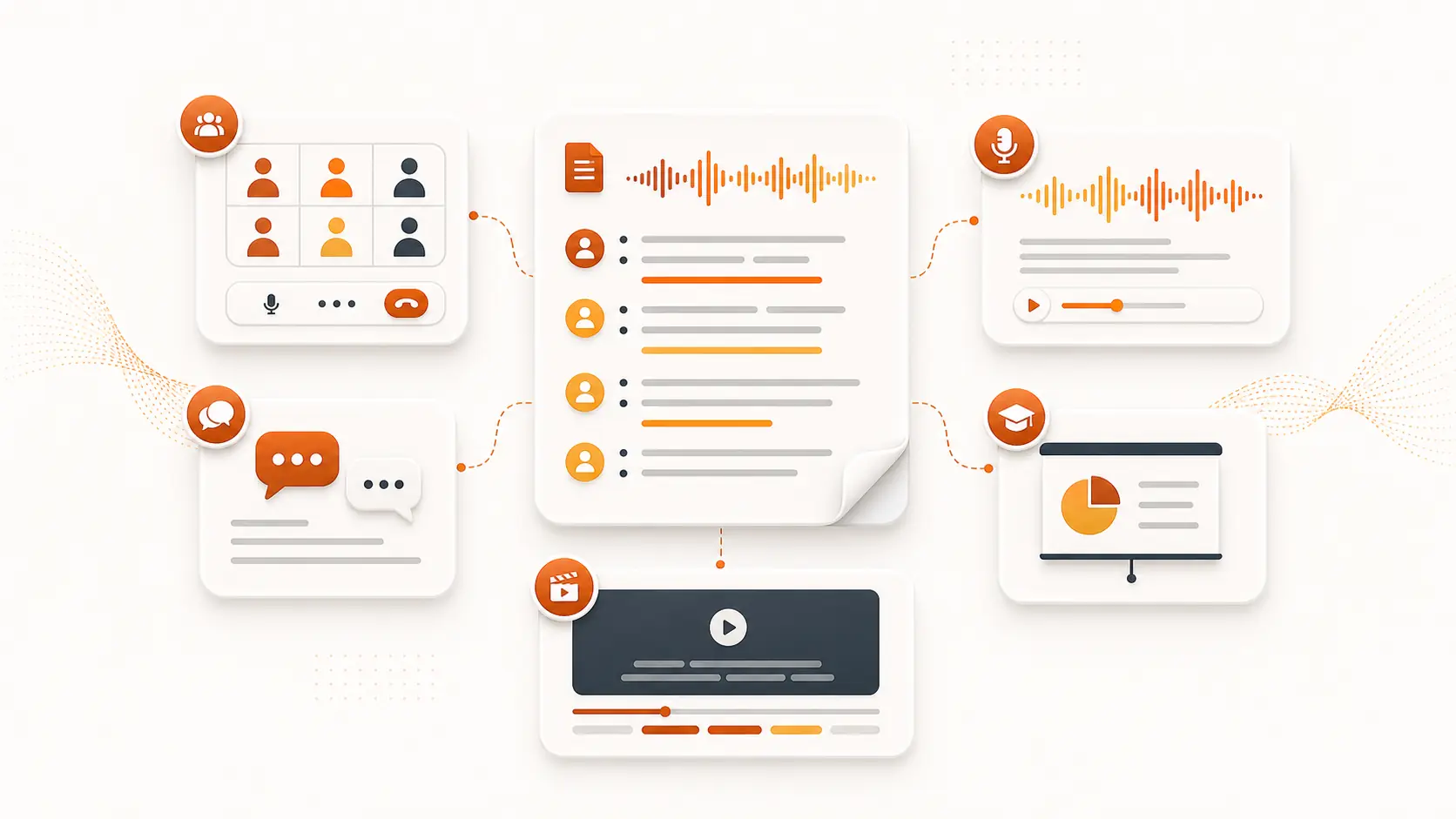
SRT and VTT come out ready to drop on a video timeline, and speaker labels arrive already applied. Both are things gpt-transcribe does not produce at all, and both are exactly what interview and captioning work runs on.
TXT, SRT, VTT, DOCX, JSON and PDF. A raw API response hands you one shape and leaves every conversion after that to you.
What it takes to transcribe audio to text and actually get the result somewhere useful.
MP3, WAV, M4A, FLAC, OGG, MP4, MOV and WebM all go to the same place — audio to text and video to text down one path, with no converting a screen recording first.
Hit record for a stand-up, a call on speaker, or a thought you do not want to lose, and it moves into transcription the moment you stop.
Give GPT Transcribe a URL and it fetches the audio itself — useful when the file is large or lives somewhere you would rather not download from twice.
Name the language or let it work one out. Detection matters most on short clips and on recordings that move between languages partway through.
Jump to any word, fix a misheard name once, and keep the timestamps intact so exported captions stay in sync with the video.
TXT, SRT, VTT, DOCX, JSON and PDF — captions, documents, archives and downstream automation all covered without a second tool.
OpenAI released gpt-transcribe on July 28, 2026 and recommends it for transcription now — on plain text it is both cheaper and considerably more accurate, and it processes files at roughly 34× real time. Its own migration guide, though, lists four reasons to stay on whisper-1 — and three of them are things transcription work usually depends on.
| Capability | gpt-transcribe | whisper-1 |
|---|---|---|
| Status | Current default, released July 28, 2026 | Legacy — kept for timestamps, subtitles and translation |
| Price per minute | $0.0045 | $0.006 — about 33% more |
| Word error rate, Common Voice across 22 languages | 19.27% | 40.37% |
| Word and segment timestamps | Not available | Available — the only OpenAI-hosted option, via timestamp_granularities[] |
| Native SRT and VTT output | Not available | Available through response_format |
| Translation into English | Not available | Available on the /v1/audio/translations endpoint |
| Speaker separation | Needs the separate gpt-4o-transcribe-diarize model | Not native either — needs a diarization stage alongside it |
| Keyword and multi-language hints | Supported, and it reports the language it detected | Single legacy language hint only |
| Streaming transcript events | Supported, including Realtime committed turns | Not supported |
Pricing and capability rows follow OpenAI's model pages and its migration guide, checked July 30, 2026; error-rate figures come from OpenAI's published Common Voice comparison and Artificial Analysis' independent benchmark rather than testing we ran. GPT Transcribe runs OpenAI Whisper with a separate diarization stage — the multi-stage pipeline OpenAI describes for speaker-labelled output — which is why subtitles, timestamps and speaker labels come straight out of this site with nothing to assemble.
Every account opens with 5 free minutes — enough to run a real recording through GPT Transcribe before paying anything. A subscription covers 1GB uploads, speaker labels, the transcript editor, and every export format, with AI summaries and translation from Pro upward. Credit packs exist for the months you go over, so an occasional long recording doesn't push you onto a bigger plan.
Steady, low-volume transcribing at the lowest yearly rate.
Includes
Billed for the full year; the figure shown is what it averages per month.
The tier most creators and small teams settle on. AI generations use credits from the plan balance.
Includes
Billed for the full year; the figure shown is what it averages per month.
Heavy transcription loads and AI workflows, at the best per-minute rate.
Includes
Billed for the full year; the figure shown is what it averages per month.
Pricing, accuracy, subtitles, the realtime model, and what this site runs on.
OpenAI's recommended speech to text model, released July 28, 2026, used both for transcribing completed files and for Realtime input. It accepts audio plus optional text context, returns text, supports streaming, and takes keyword hints and multiple language hints. It succeeded gpt-4o-transcribe, the March 2025 model, which OpenAI now marks as not recommended for new integrations.
Click questions to expand detailed answers
Upload audio or video, record live, or paste a link. You get a timestamped transcript with speakers separated, exportable as SRT, VTT, DOCX, JSON, PDF or TXT — starting with five free minutes.